

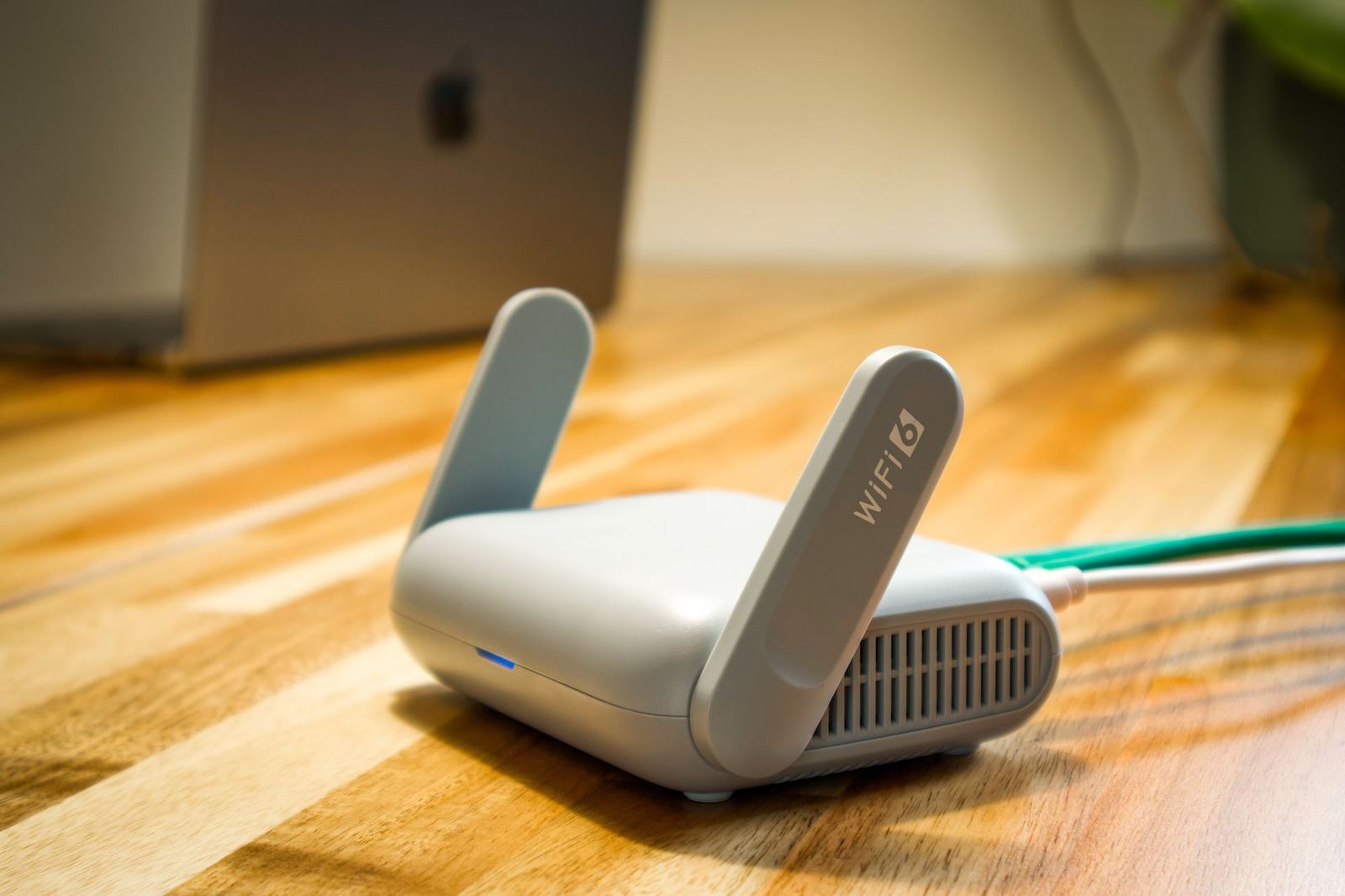
Does your fibre line deliver 1 Gbps but the signal in your room is weak? Fix it with modem placement, band choice and mesh solutions.
The most common complaint among fibre subscribers is that although the line is fast, the connection is slow in some rooms of the house. The problem is often not the line but how the Wi-Fi signal is distributed inside the home. Here are eight practical ways to strengthen it.
1. Put the modem in a central place
Wi-Fi spreads in every direction. Putting the modem in a corner room or inside a cabinet makes half the signal wasted on walls. Place it in the middle of the home at 1 to 1.5 metres above the floor.
2. Keep it away from metal and water
Refrigerators, aquariums, mirrors and metal shelves weaken the signal. Microwave ovens and cordless phones create interference on the 2.4 GHz band.
3. Use the 5 GHz and 6 GHz bands
Wi-Fi 6 modems broadcast on two bands. 2.4 GHz reaches farther but is slower; 5 GHz gives much higher speed over short distances. Connect nearby devices such as computers, TVs and phones to 5 GHz.
4. Resolve channel congestion
In an apartment dozens of networks may broadcast on the same channel. Turn on automatic channel selection in the modem interface, or choose channel 1, 6 or 11 on 2.4 GHz.
5. Wire high-demand devices
For fixed devices such as game consoles, desktop computers and smart TVs, an Ethernet cable is the fastest and most stable solution. On a wired connection you can use the whole of your 1 Gbps line.
6. Install a mesh system
In homes over 100 m² or on several floors, a single modem is not enough. Mesh extenders cover rooms under a single network name, and your devices switch automatically from one unit to another. With a wired backhaul, performance is at its highest.
7. Keep devices up to date
Modem firmware and device drivers contain performance and security fixes. The Wi-Fi card in an old computer may stick at 100 Mbps even if the line is 1 Gbps.
8. Check background downloads
Cloud backups, game updates and high-quality automatic video streams can consume much of the bandwidth. Pause them before a speed test.
If problems persist
Our technician does a free Wi-Fi analysis, produces a signal map and identifies dead spots. You can book through the customer portal or reach us 24/7 on 0850 555 29 29.
Security is speed too
An unprotected or weakly protected Wi-Fi network can let neighbours and unauthorised devices use your bandwidth. Check the list of connected devices in the modem interface, block those you do not recognise and use WPA3 or at least WPA2 encryption with a password longer than 12 characters. Also remember to change the default administrator password.